 CapySSH
SSH that survives the drop.
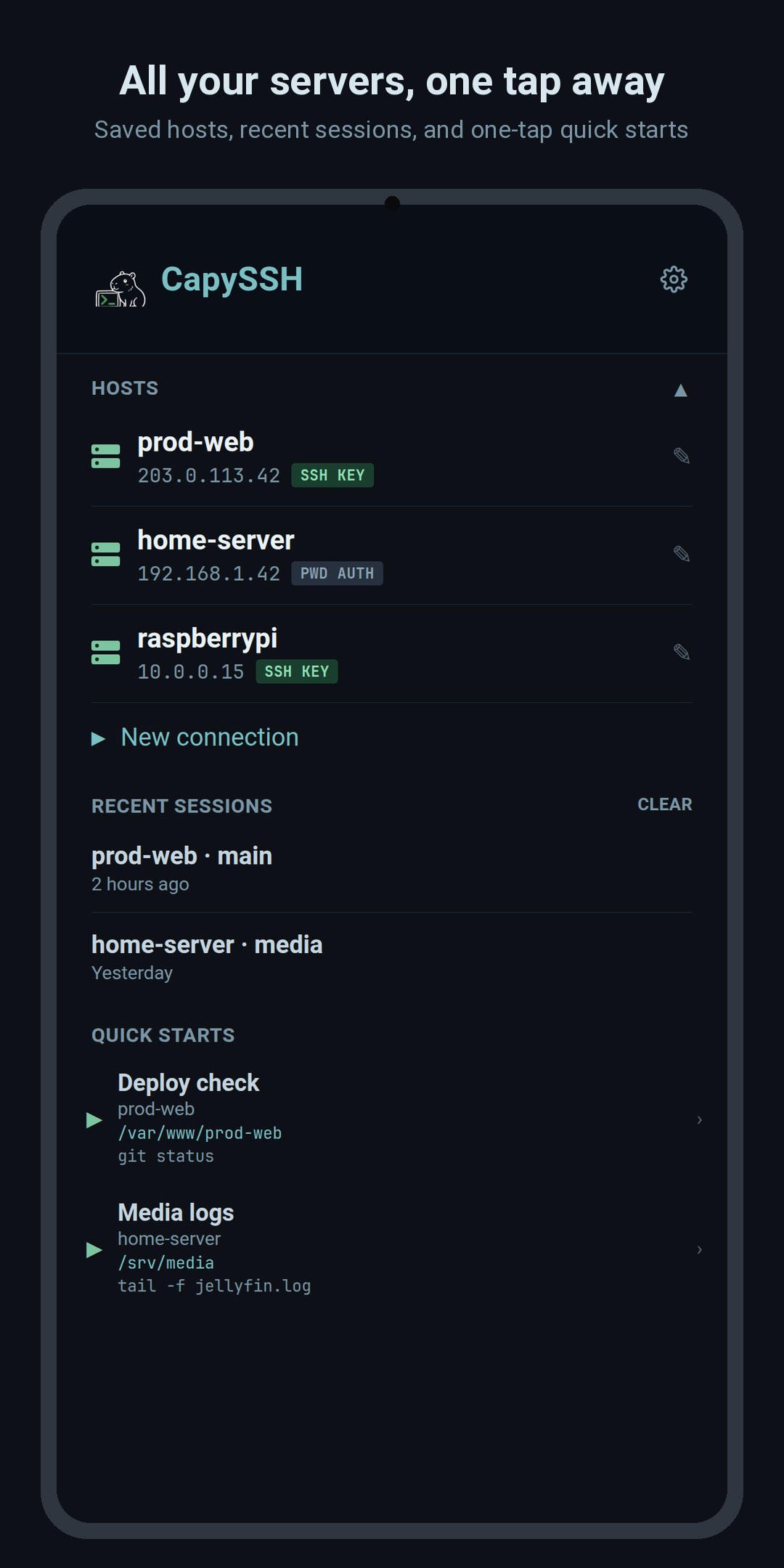
A native Android terminal built around tmux session persistence. Connect over plain SSH, attach to your tmux session, and pick up exactly where you left off — even after your phone changes networks.
What's inside
Built for real terminal work on a phone
Everything you need to actually administer a server from your pocket — not just a toy SSH prompt.
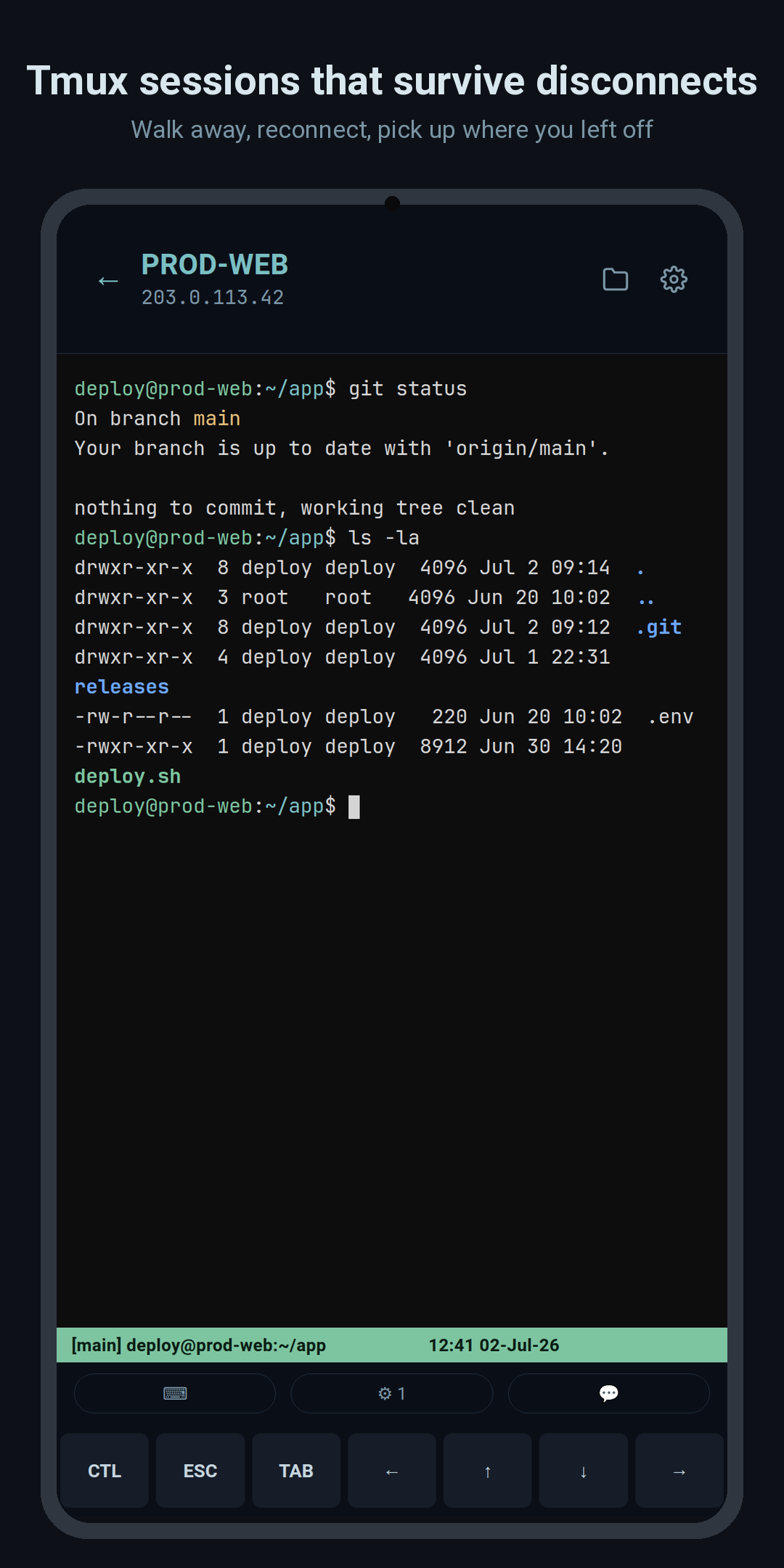
Tmux session persistence
Attaches to or creates tmux sessions automatically. Your work keeps running on the server whether the app is open or not.
Transparent auto-reconnect
Drops to Wi-Fi, mobile data, or a dead spot? CapySSH reconnects with exponential backoff and re-attaches your session — no lost scrollback.
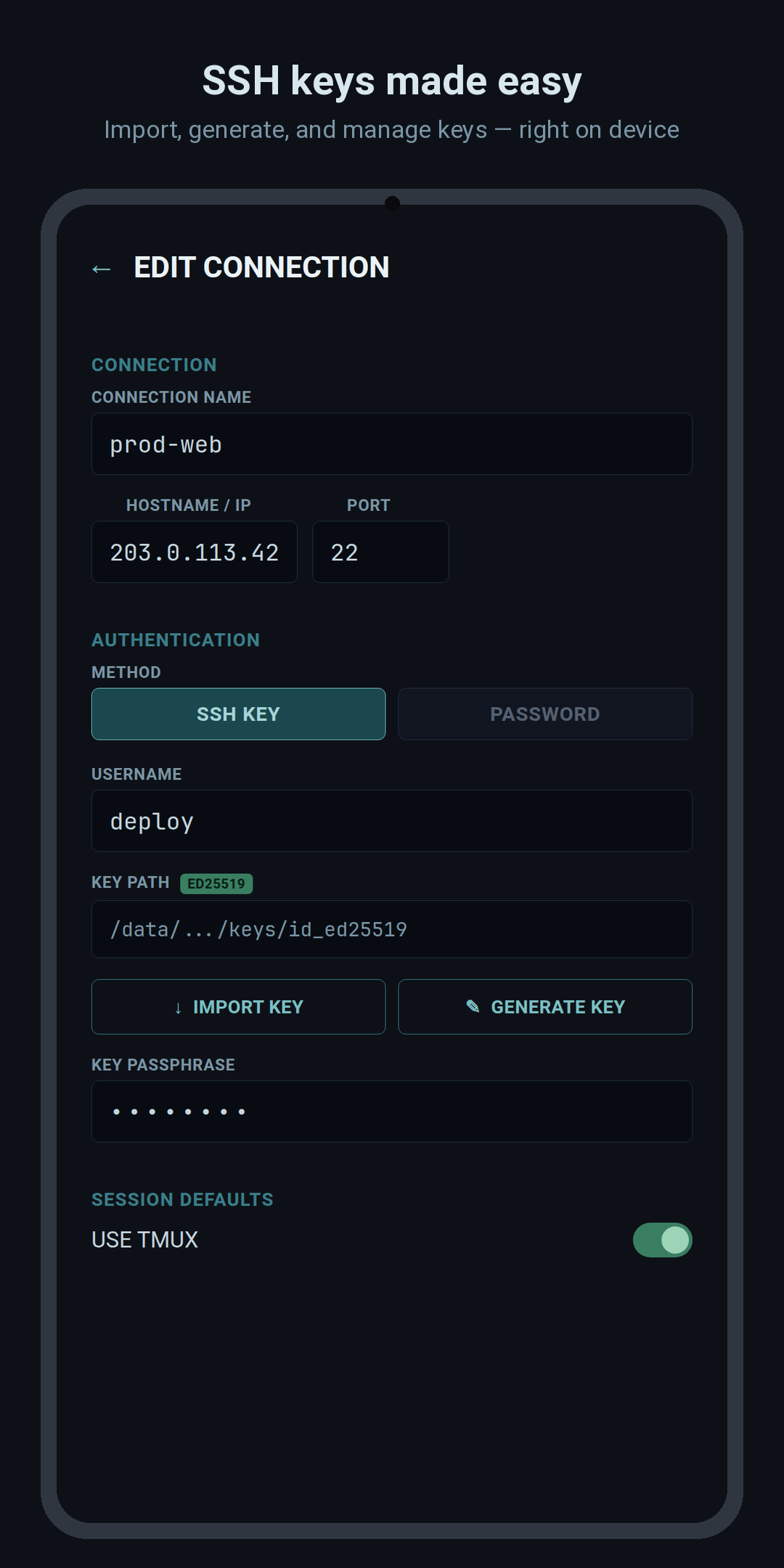
SSH keys made easy
Import existing keys, generate a fresh Ed25519 keypair on-device, and manage passphrases — all stored in encrypted, app-private storage.
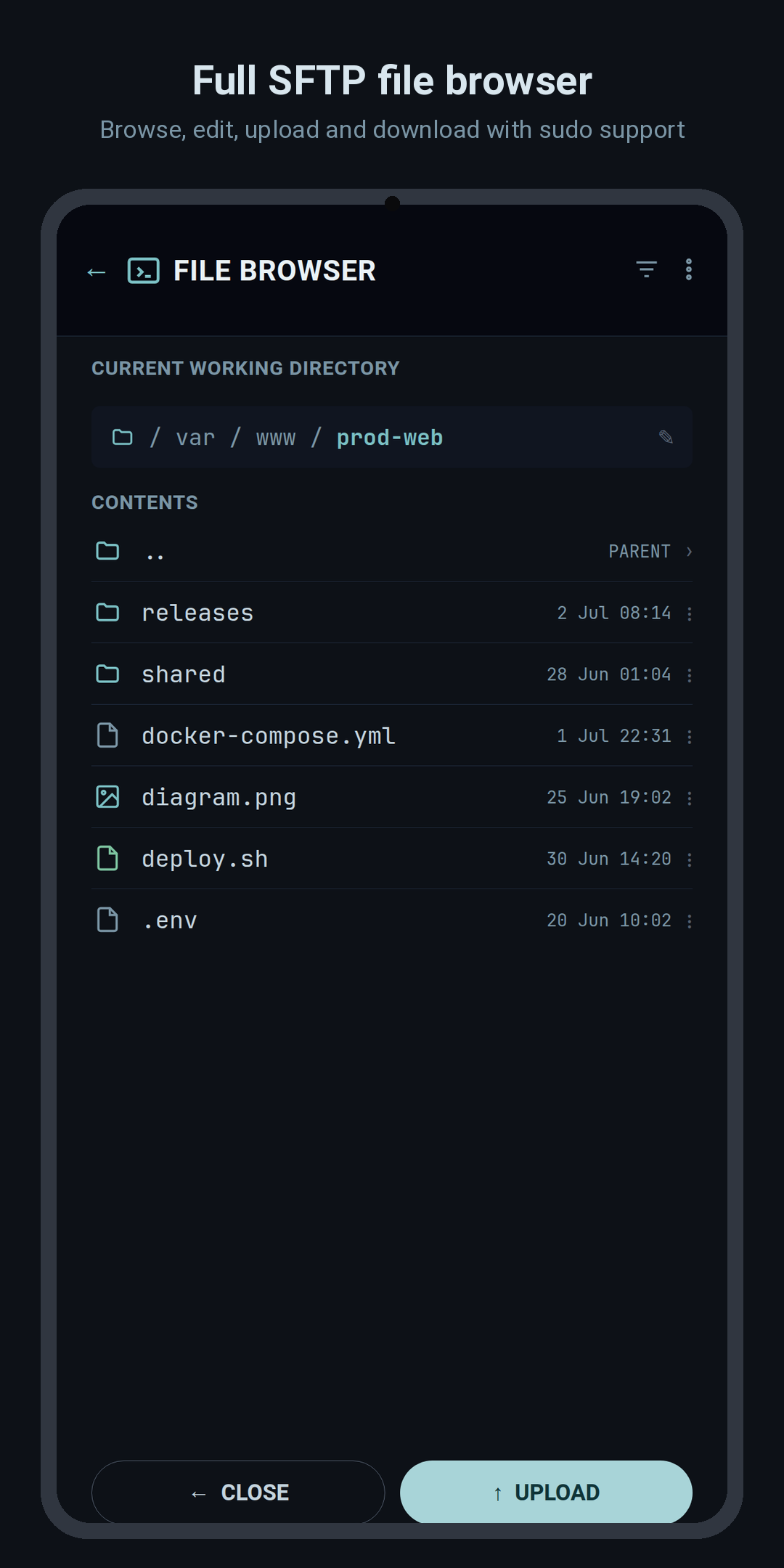
Full SFTP file browser
Browse, view real permissions, edit, move, and delete files over SFTP — with an elevated (sudo) mode when you need it.
Real terminal, real keys
A proper xterm.js terminal with mouse scroll, text selection, a configurable virtual-key row, and one-tap command shortcuts.
Editor & viewers built in
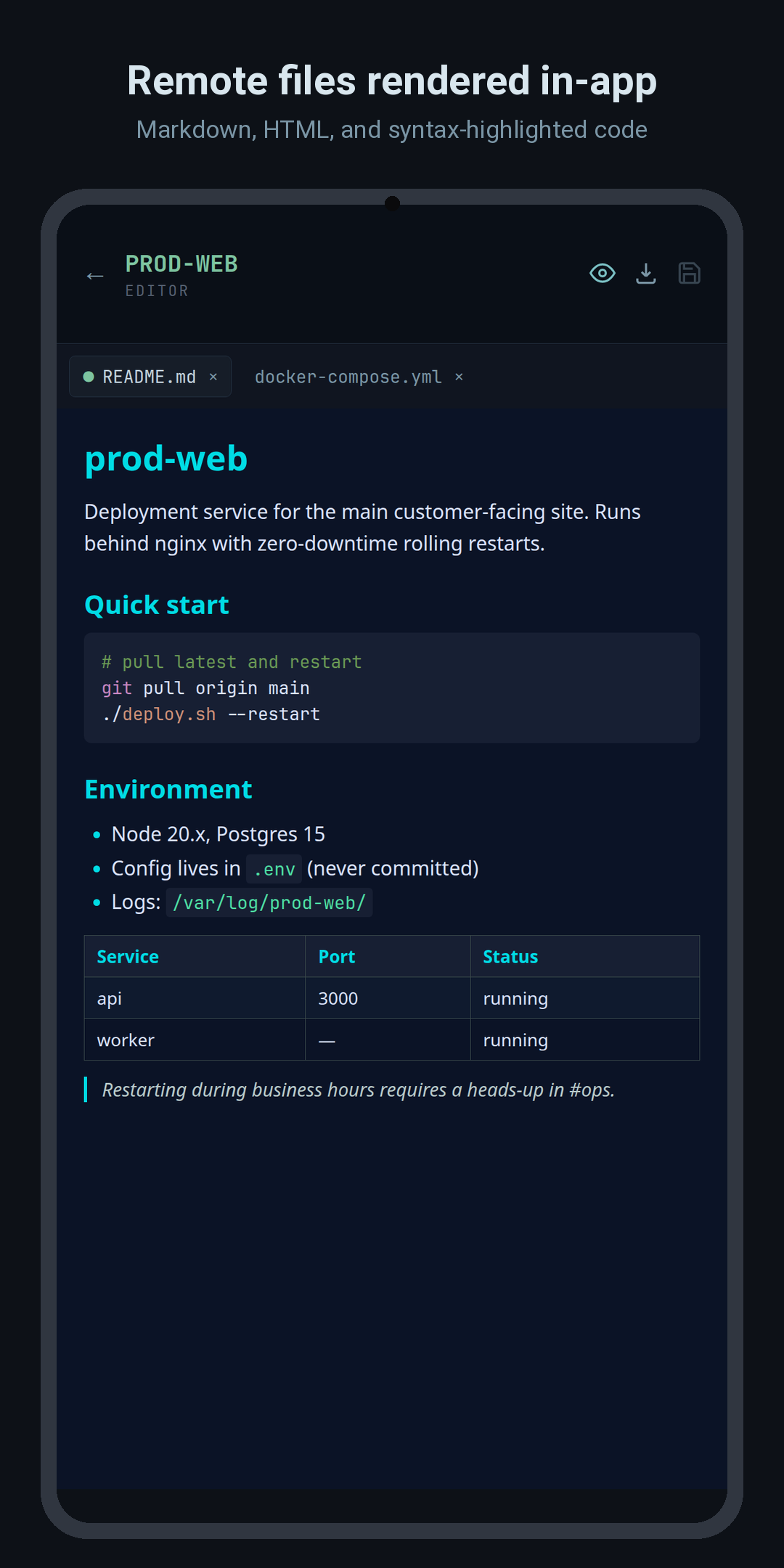
Edit remote files with a syntax-friendly editor, preview Markdown, and view images inline — without leaving the app.
A look around
See it in action
Swipe through the app.
Your servers stay yours
CapySSH has no accounts, no analytics, and no third-party APIs. The only network traffic it makes is the direct SSH/SFTP connection to the servers you configure. Connection details, passwords, passphrases, and keys are stored locally on your device — passwords and passphrases encrypted with AES-256-GCM.
🔒 Read the full privacy policy →